
Four decisions that keep security traffic moving
Pick one to see it work.
One cable plant, four networks: business, cameras, access and fire, and guest. Nothing routes between them, and fire and access take priority over everything else.
Cameras, resolution, frame rate, codec, scene activity and retention days give the bitrate, the uplink and the storage — worked out before the recorder is quoted.
The circuit is the part you rent, so nothing depends on it. Cut it and recording, door control and alarm signalling continue; the gap is in the cloud copy, never in the record.
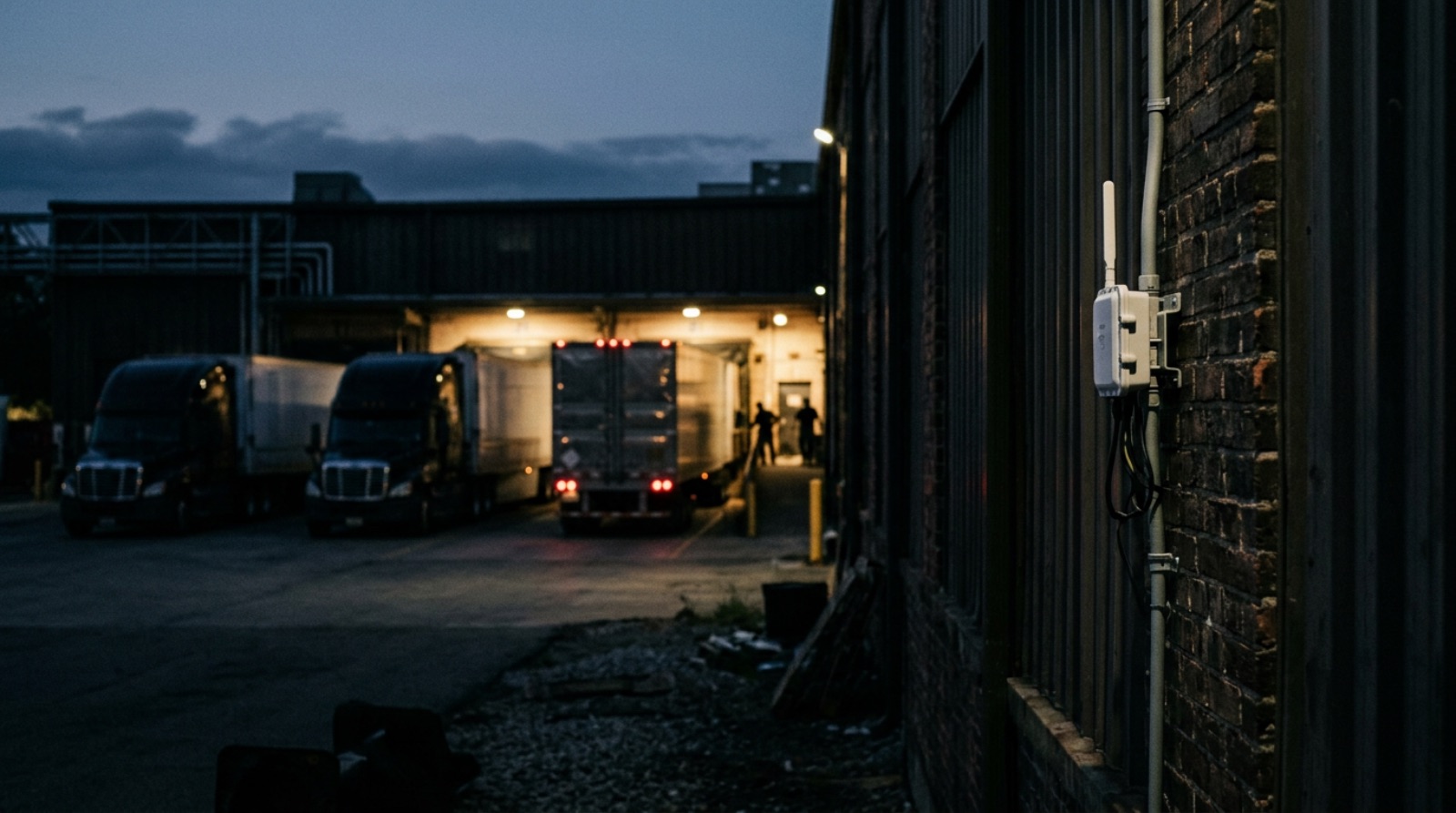
Access points are placed from a predictive survey to hit a signal target across the floor, then verified on site.
Inside a network build
PoE switches
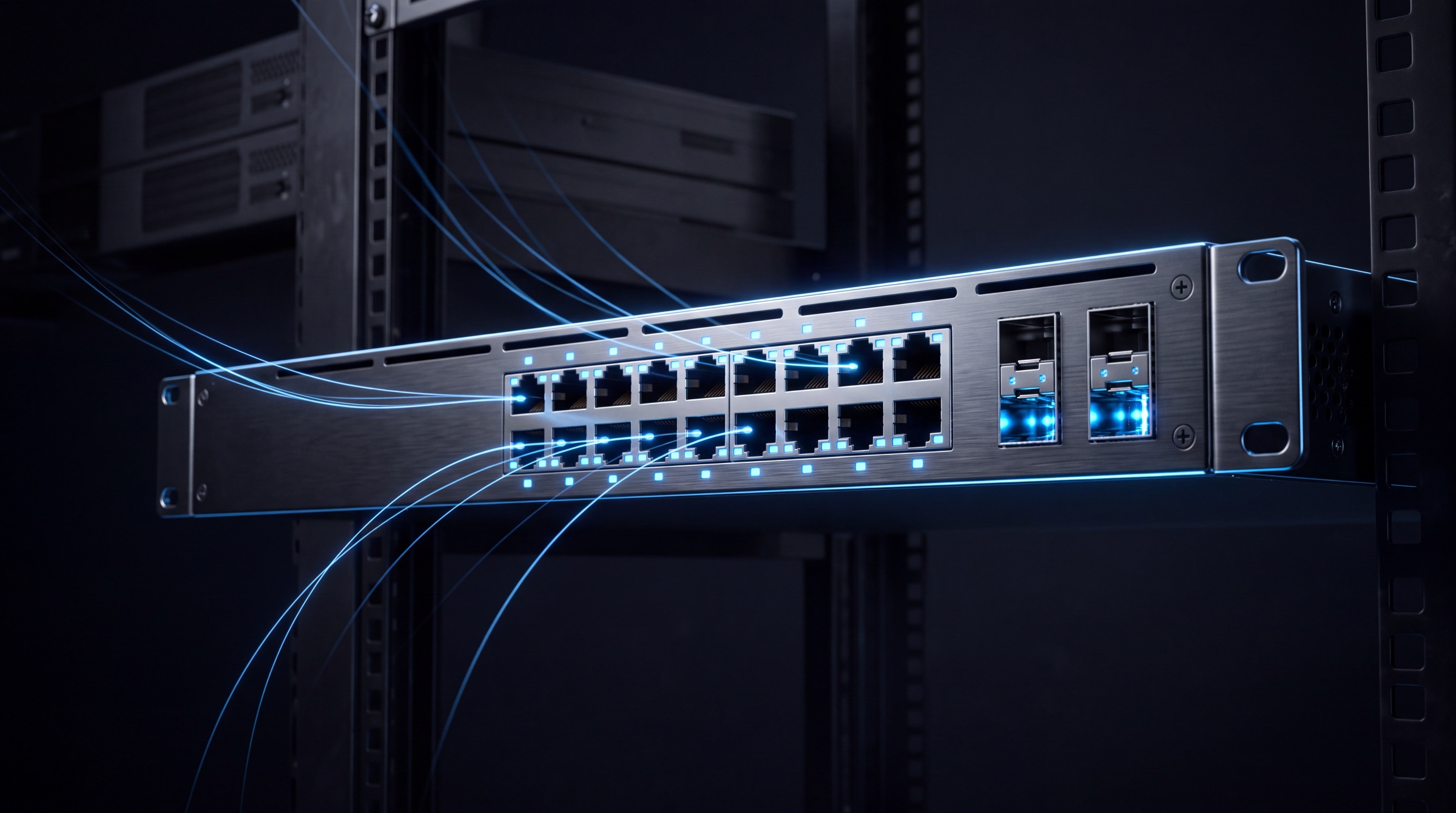
Switching with the PoE budget to run every camera and door on the panel, with headroom.
Enterprise Wi-Fi
Access points placed from a heat map, not a guess, for offices, warehouses and outdoor areas.
VLAN segmentation
Cameras, doors and guests separated from business traffic and from each other.
Firewalls and remote access
Secure remote viewing and administration without opening ports to the internet.
UPS backup power
Battery backup sized so recorders, switches and door controllers ride through an outage.
Scope of a typical network infrastructure engagement
- PoE switching engineered to power budgets
- Enterprise Wi-Fi design and heat-mapping
- Security VLAN segmentation and firewalling
- UPS backup and remote health monitoring
- Point-to-point wireless for detached buildings
- Documented topology and as-builts
Sizing the network for the systems that ride on it
Security systems are network systems. A camera fleet, an access platform, intercoms and wireless clients all impose a load that has to be engineered rather than discovered. We size PoE budgets per switch with headroom for the actual device draw, separate security traffic onto its own VLAN, set uplinks against the write and viewing load, and put the equipment on protected power with a runtime that matches how long the site needs to keep recording.
Wireless is surveyed, not guessed. Coverage is planned for the environment — racking, masonry, glass, high ceilings, moving inventory — and access points are placed and channelled so density does not become interference. Guest and operational traffic are separated, and where a site has industrial or building-systems traffic, that gets its own segment too.

Remote access, resilience and documentation
Remote viewing and remote administration are configured to be usable without exposing a recorder or controller to the open internet. Firmware, certificates and account hygiene are set up at handover, with a documented list of what is on the network, where it lives and how it is reached.
Resilience is specified to the site. Redundant uplinks, protected power, and local recording that continues if the circuit drops keep a system useful during the events that matter most. Every network we build is documented — topology, addressing, port assignments — so a change three years from now is a task rather than an investigation.
Network hardware we deploy
Ubiquiti UniFi
MANAGED STACKSwitches, APs, and gateways under one controller — outstanding value for small and mid-size deployments.
Araknis / Snap One
REMOTE-MANAGEDAV-grade networking with OvrC cloud management — our pick where remote service response matters most.
Cisco
ENTERPRISECatalyst and Meraki switching for enterprises with existing Cisco standards and IT teams.
NETGEAR AV Line
AV-OVER-IPPre-configured for multicast video — the switch line built for video walls and AV-heavy buildings.
APC by Schneider
POWER PROTECTIONUPS units sized so cameras, doors, and alarms ride through outages — monitored and battery-tracked.
Network Infrastructure, done the long-term way
What to confirm for network infrastructure work across Allentown, Bethlehem, Easton, Reading and the wider Lehigh Valley.
Planning network infrastructure
Security systems ride on the network. The survey sizes switching, power and segmentation for what is actually connected, with room to grow.
What sets the scope
- Number of connected devices and their PoE draw
- Switch count and closet locations, and uplink speeds between them
- Wireless coverage area and density
- Segmentation: separate VLANs for cameras, access control, guests and business traffic
- UPS runtime required for security devices
- Remote management and monitoring of the network
Existing equipment
Keep equipment that has the capacity, power and support life you need. We inventory it first and replace only what limits the plan.
Before anything is priced
- Current switch, firewall and wireless inventory
- PoE budget against connected and planned devices
- Coverage and interference for wireless
- Who manages the network today and how
A network that is documented
- Configuration backed up and handed over
- VLAN, IP and port maps
- Admin credentials transferred to you
- UPS and PoE load verified
How a network project runs
Cameras, readers and access points all depend on switching, power and a network design that keeps security traffic separate from everything else.
Network questions

Do cameras need their own network?
They need their own segment. Security traffic separated onto its own VLAN with PoE budgeted per switch keeps the camera system from competing with business applications.
Can you install the Wi-Fi as well as the cameras?
Yes. Wireless is surveyed and designed for the building, then installed on the same cable plant, so one team owns the result.
What happens to recording if the internet goes down?
Local recording continues. Cloud and hybrid designs are configured so a circuit outage does not create a gap in the record.
Do we get network documentation?
Yes: topology, addressing, port assignments and device inventory at handover.
Tell us about the building. We will call you back within one business day.
A short walkthrough, then a line-item proposal. No packages, no pressure. Local crews across the Lehigh Valley, Berks, Bucks, Montgomery, Philadelphia and NJ.
Or call +1 484-800-1220